Psychometric tests for pilots
Pilot Multitask Test: Handling Four Tasks at Once
By ForAllPilots · Published · 4 min read
Reviewed and approved by the site's editor before publication. Our method (FR)
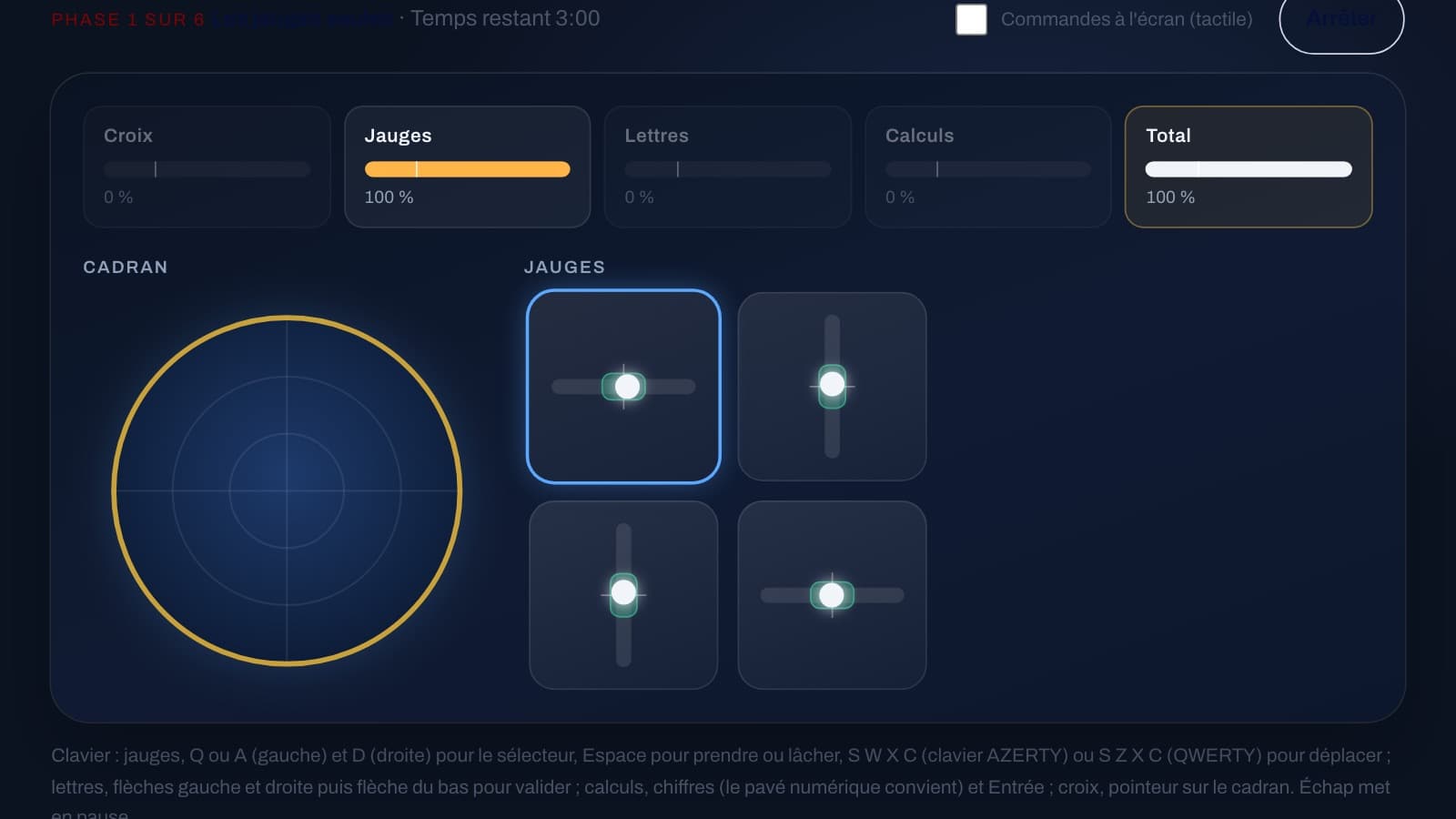
Keeping four gauges in their central zone, holding a cross inside a moving circle, spotting letters and solving calculations, all at the same time: the multitask test draws on divided attention. People often assume the answer is to go faster; here, what matters most is spreading your attention better. Here is how to structure your practice so that you improve without wearing yourself out. This exercise is currently available in French only on forallpilots.fr, but the method below is useful for any divided-attention practice.
What really counts in your score
Each task has its own performance bar, which drops when you neglect that task. The total, however, is harsh: it falls to zero as soon as a single bar drops below its threshold line (the notch marked at 25%), however heavily that task is weighted in the total, a weight shown under each bar in phases 4 to 6. The score for a phase is the average of the total over its three minutes: every second spent at zero pulls it down. The exercise therefore does not reward someone who excels at three tasks while abandoning the fourth, but someone who keeps every bar above the line.
You need to think first in terms of threshold, then of maximum. Four tasks at 50% are worth more than three tasks at 100% and one below the line, which brings the total back to zero. Once every bar is above the line, the total is the average of the bars, weighted by the weight of each task: every point gained then counts.
Add the tasks one at a time before mixing everything
The exercise runs over six phases of three minutes. Phases 1 to 3 add one task each time (the gauges alone, then with the cross, then with the letters); phases 4 to 6 bring all four tasks together, with the calculations arriving in phase 4 and a stated split of attention. Use this progression to automate each action: once the gauges no longer demand conscious attention, you can add the next task without losing performance.
The Mode menu lets you play a single three-minute phase on its own: replay the early phases until you are consistent, rather than replaying the four-task phases over and over. It is like learning an instrument: you do not play a four-handed piece before you have mastered each hand.
A scanning routine
Adopt a fixed scan cycle: gauges, cross, letters, calculation, then back to the gauges, skipping any task that is absent from the phase. Never stay more than a few seconds on one task if the others are drifting. The gauges drift slowly, but only one can be controlled at a time and it responds with a slight lag: correct early. The cross requires continuous tracking of the circle, which moves at random. The letters and calculations have a deadline: a new set of nine letters arrives every 10 seconds, a new question every 12 seconds, and anything left unanswered or answered wrongly brings the bar down. A scan that is too slow will therefore cost you whole sets.
Deal first with the task whose bar is approaching the line: that is the one that can bring the total to zero. As long as every bar stays above it, look at the weight shown under each bar in phases 4 to 6: heavier tasks count for more in the total. This logic of prioritising by urgency is reminiscent of the cockpit.
Controls: a matter of comfort
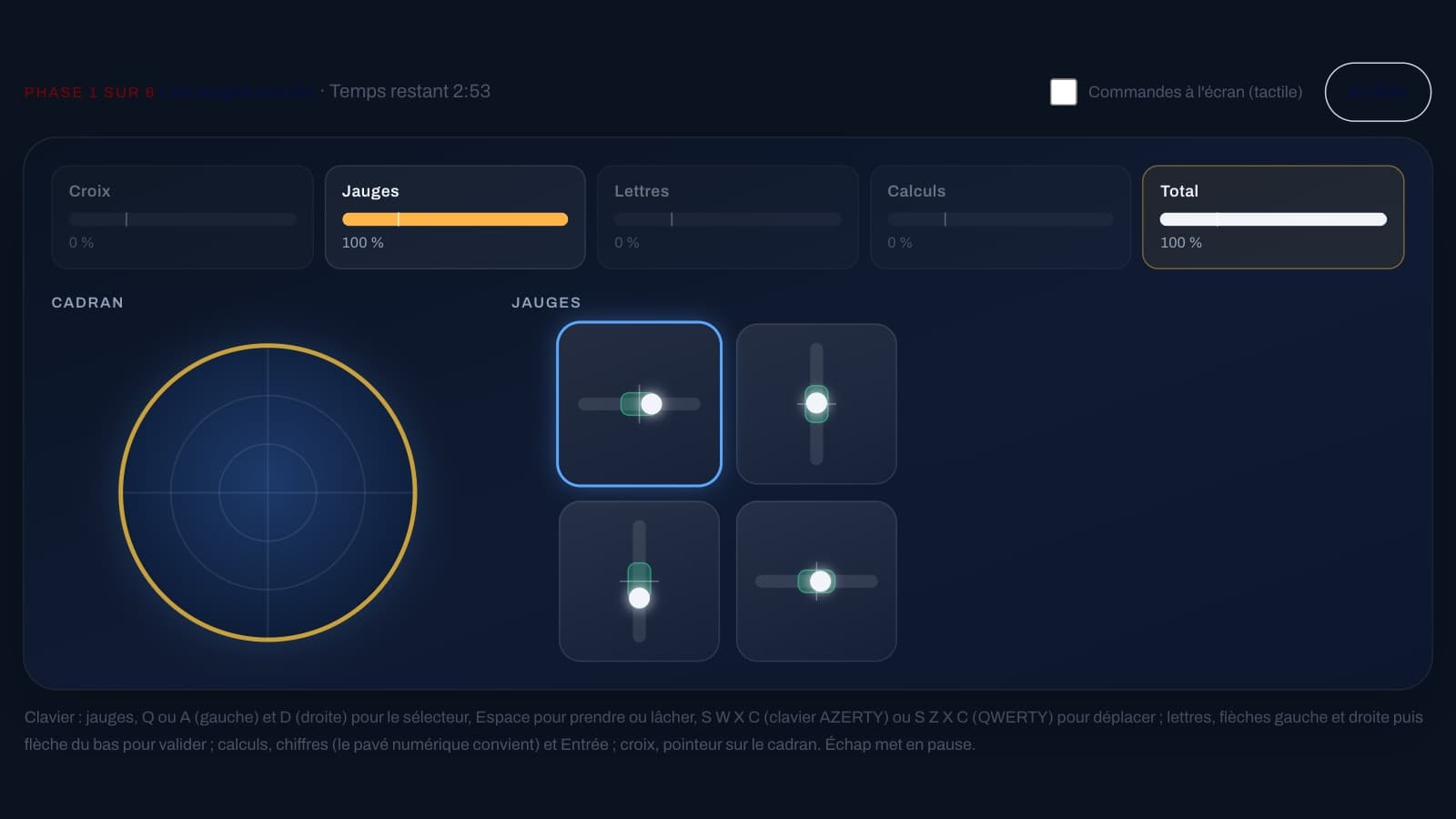
Keyboard and mouse both work (the cross is controlled with the pointer placed inside the dial, not with the arrow keys), as do two controllers or joysticks if you have them, with the letters and calculations then staying on the keyboard. With controllers, take the time to calibrate them before your first attempt, using the "Manettes : calibrer" (Calibrate controllers) button: which axis controls what, sensitivity, recentring. On a touchscreen, the "Commandes à l'écran" (On-screen controls) tickbox displays virtual sticks and keys.
The keyboard keys are fixed: you cannot choose them, so learn them before you play. Q (AZERTY) or A (QWERTY) and D move the gauge selector; Space picks up or releases the selected gauge, which S, W, X and C (S, Z, X and C on QWERTY) then move; the left, right and down arrows are for the letters, and the number keys and Enter for the calculations. A gauge whose marker stays in the central zone counts in full, even if it is not exactly in the middle: a steady action on the right key is better than a nervous correction for a slight off-centre. Also check on screen that each action has gone through: roughly one in eight (gauge selection, letter arrows, calculation entry) is not registered, with no signal at all.
The exercise is designed for a screen of at least 8 inches. On a phone, the Commencer (Start) button stays disabled, because all four tasks must remain visible at the same time: use a tablet or a computer.
Improving without tiring yourself out
The exercise demands sustained attention. Keep sessions short (three to six minutes of play, that is one or two single phases), with breaks, rather than an hour at a stretch: a few attentive attempts are better than many sloppy ones. Look at the score for each phase: at the end, the results table also gives, for each task, the average performance and the time spent below the threshold line. By spotting the task that brings you down, you will know what to work on.
On ForAllPilots, the multitask test offers these four tasks in six phases of three minutes, with your score given as a class from 1 to 9 according to the exercise's scale. It is included with the ATPL subscription: it is a practice tool, not an official test from a school or an airline.