Psychometric tests for pilots
Gauges and Mental Arithmetic: Divided Attention
By ForAllPilots · Published · 3 min read
Reviewed and approved by the site's editor before publication. Our method (FR)
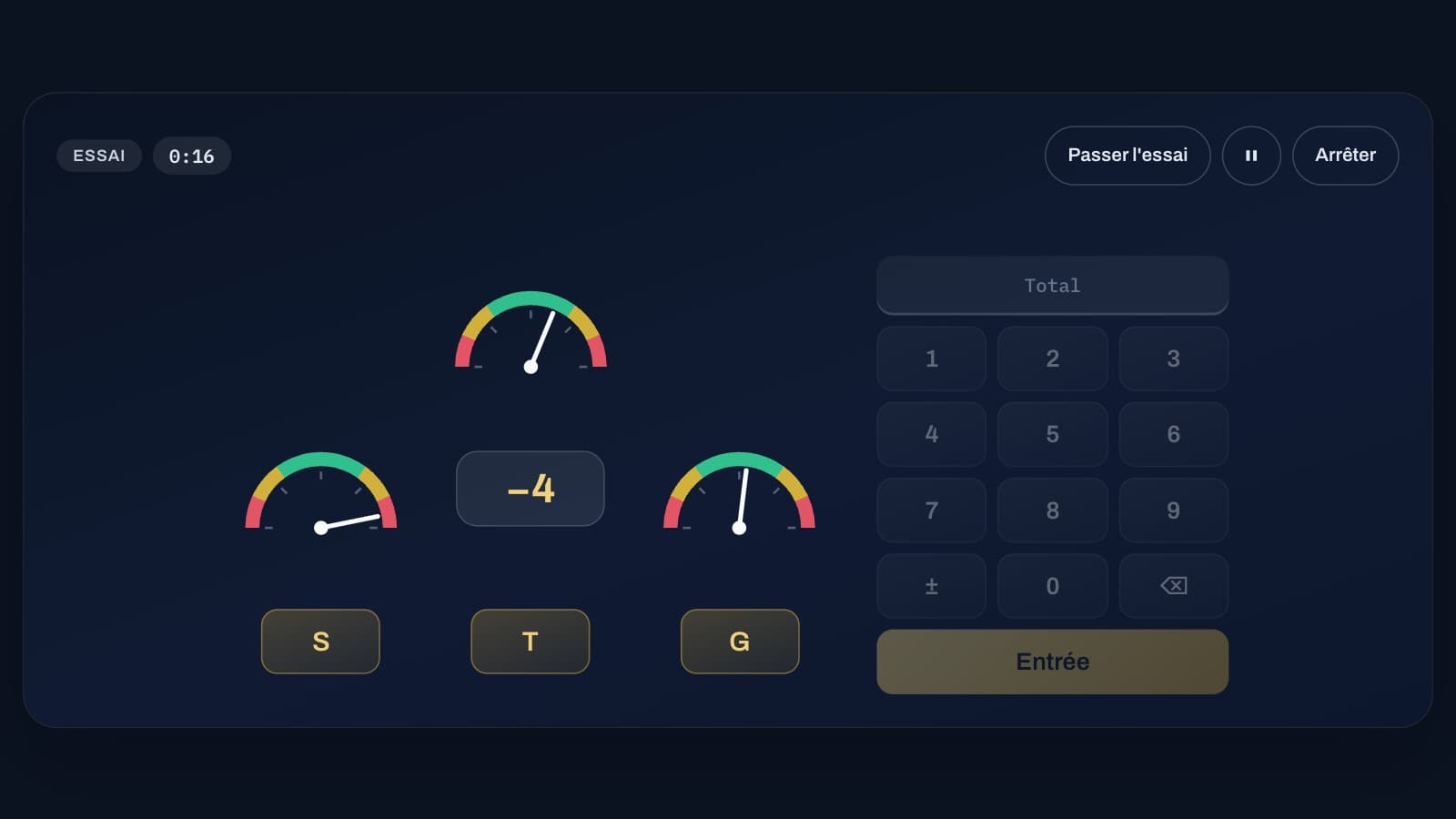
The perception and information-processing exercise in the DLR series requires doing two things at once: watching three gauges to catch each needle as it moves into the red, and mentally adding numbers to give their total when asked. The whole challenge is not to sacrifice either task.
How the exercise works
Three small dials are positioned left, top, and right, each with a letter drawn at random for every test and displayed on the button below the dial. Their needles wander through the green and yellow zones. When one moves into the red, on either side, you must type the letter for that dial: the needle stays there for 2.5 seconds, which is the time allowed to respond.
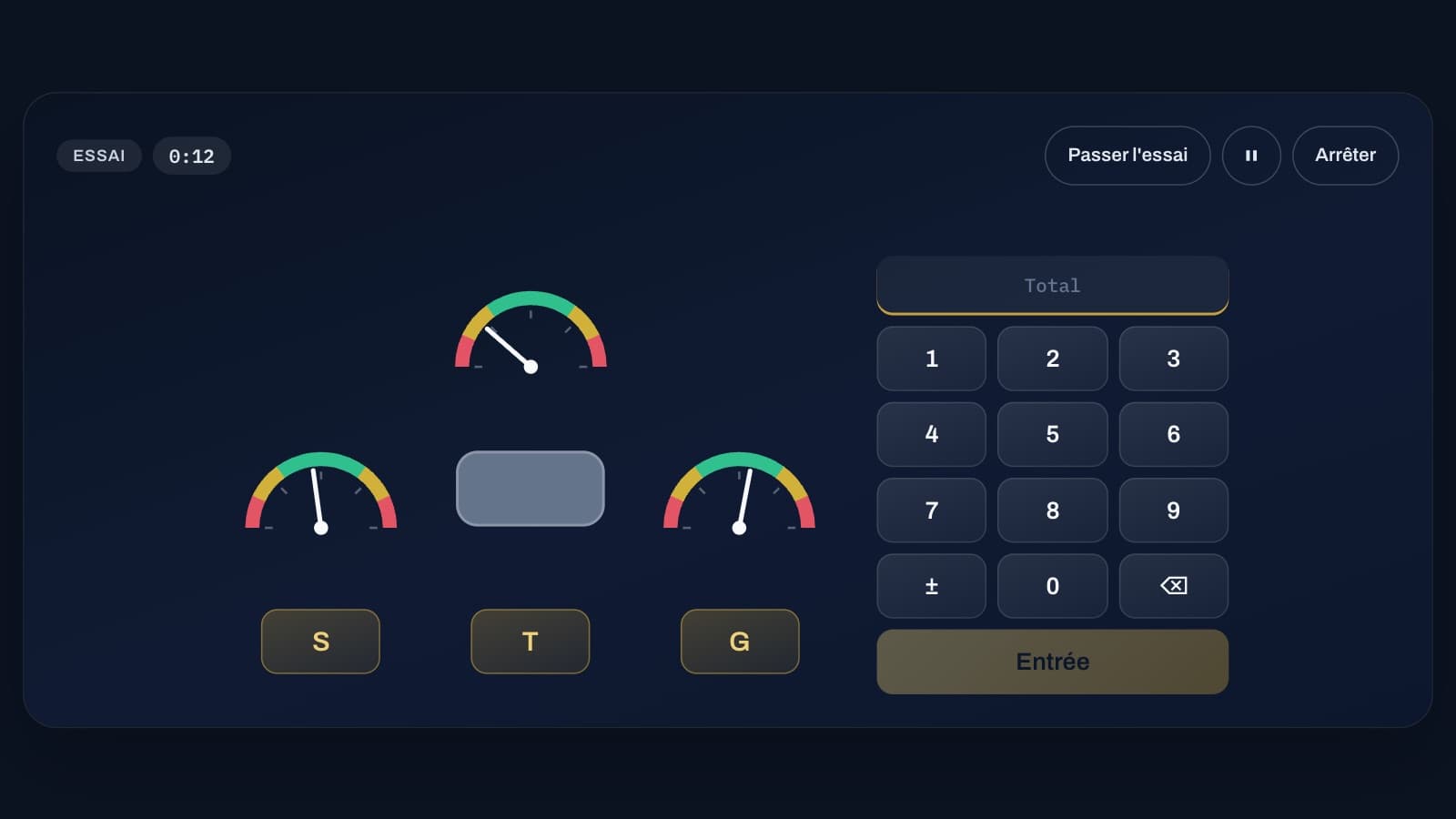
In the centre, a box occasionally shows a number from -9 to +9. You must add them up mentally. After 3 to 5 numbers, the box turns grey: at that point, type the total (using "-" or the ± button if it's negative) and confirm with Enter, within 8 seconds at most. Then you start again from zero. The test lasts 2 or 10 minutes, after 30 seconds of practice.
The total first, then forget the numbers
Update the total as soon as a number appears, then forget the number itself: keeping the list of numbers in mind is pointless and tiring. Say the total to yourself, not the calculation ("9, then 3, then -5", rather than "9 plus -6 equals 3").
When the box turns grey, type the total without delay: 8 seconds is plenty if you already have it in mind, but it leaves the gauges unwatched if you start recalculating.
Scanning the gauges steadily
Between two numbers, scan the three gauges in the same order, for example left to right, rather than staring at whichever one is moving the most. A needle doesn't jump into the red all at once: it approaches gradually, and a steady scanning pattern is enough to catch it in time.
Watch out for the letters: they are drawn at random and have nothing to do with the dial's position. Look at the letter under the gauge, not the name of the side; at the start of each test, take a second to repeat the three letters to yourself in order.
What determines the score
The score is (needles caught in time + correct totals) divided by (passages into the red + totals requested + wrong button presses). Pressing a letter when no needle on that dial is in the red therefore costs points: if in doubt, check the gauge before typing.
During practice, every response gets feedback (your reaction time, "Wrong", "Missed"). During the test, nothing is displayed until the result: get used to not seeking confirmation and simply carrying on.
The most common mistakes
The costliest mistake is restarting the calculation when the box turns grey: while doing so, the gauges go unwatched, and a needle slips into the red unnoticed. Keeping the total updated with each number avoids this trap.
Next comes letter confusion: typing the letter for a different gauge, or a letter that would match the position (G for left, for example) when in fact letters are drawn at random. Finally, forgetting the sign of a negative total: on the keypad, the ± button (or the "-" key) changes the sign of the number typed.
Improving from one session to the next
Start with the 2-minute version, including the practice run, until the totals are almost always correct; gauge monitoring usually follows naturally. Then move on to the 10-minute version, which brings fatigue into play: that's what you need to learn to manage.
Each time, look at the breakdown of your errors in the result. If they're mostly missed needles, scan the gauges more often between numbers; if they're mostly wrong totals, slow down the pace at which you update the total slightly. The vigilance exercises in the same series train sustained attention over time, which is useful here too.
Keyboard or touchscreen
On a keyboard, you type the letters, the digits (including the top row of an AZERTY keyboard, without Shift), "-", Backspace and Enter; on a phone or tablet, the on-screen buttons are enough, and the Full screen button helps keep the three gauges and the keypad in view at all times.
These exercises are included with the ATPL subscription: they are training tools, not official tests, unrelated to the selection process of any school, organisation or airline, and the exact rules or scoring of a real selection may differ.